Sign-in and password
Pantarey runs in the browser at the address of the account, for example https://<account>.pantarey.io. Sign-in is with the Email address and the Password; the user account is created by an administrator. The sign-in stays on the device until the person signs out.
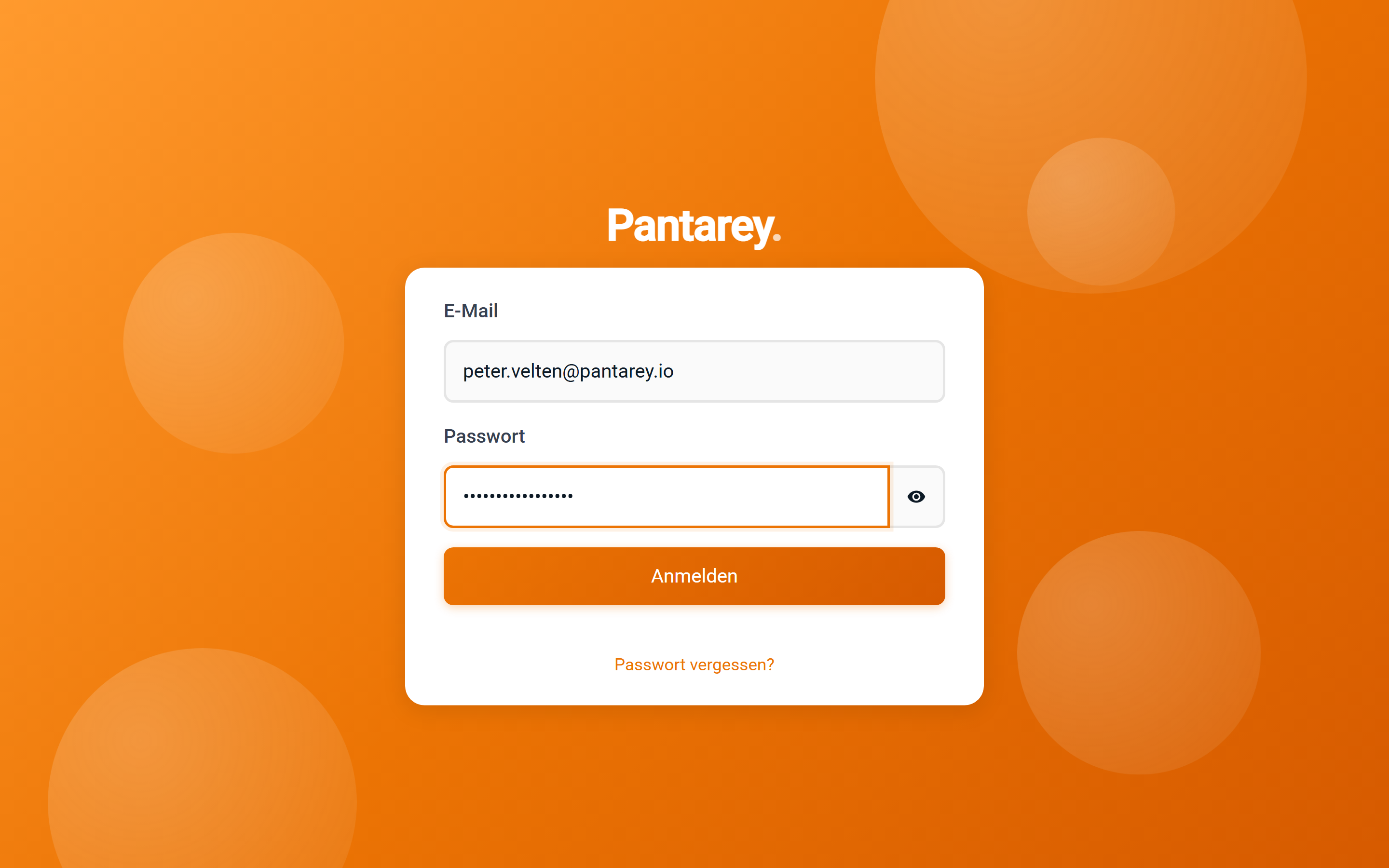
The first password
When an administrator creates a user account, Pantarey sends an e-mail with the address of the account and a temporary password. At the first sign-in, Pantarey asks for a password of your own under Change password: enter New password, repeat it under Confirm password, Submit. If the password does not meet the requirements, the page says so; a longer password with upper- and lower-case letters, a digit and a special character then helps.
Afterwards the dialog Welcome to Pantarey. opens once, suggesting to start with a ready-made application. Let's go! starts the guided tour, Later closes the dialog. It can be brought back in the profile under Advanced → Reset onboarding.
Forgotten password
- On the sign-in page, choose Forgot your password?.
- Under Reset password, enter the e-mail address and Send code. Pantarey sends a Confirmation code by e-mail.
- Enter the code, plus New password and Confirm password, then Submit.
- Sign in with the new password.
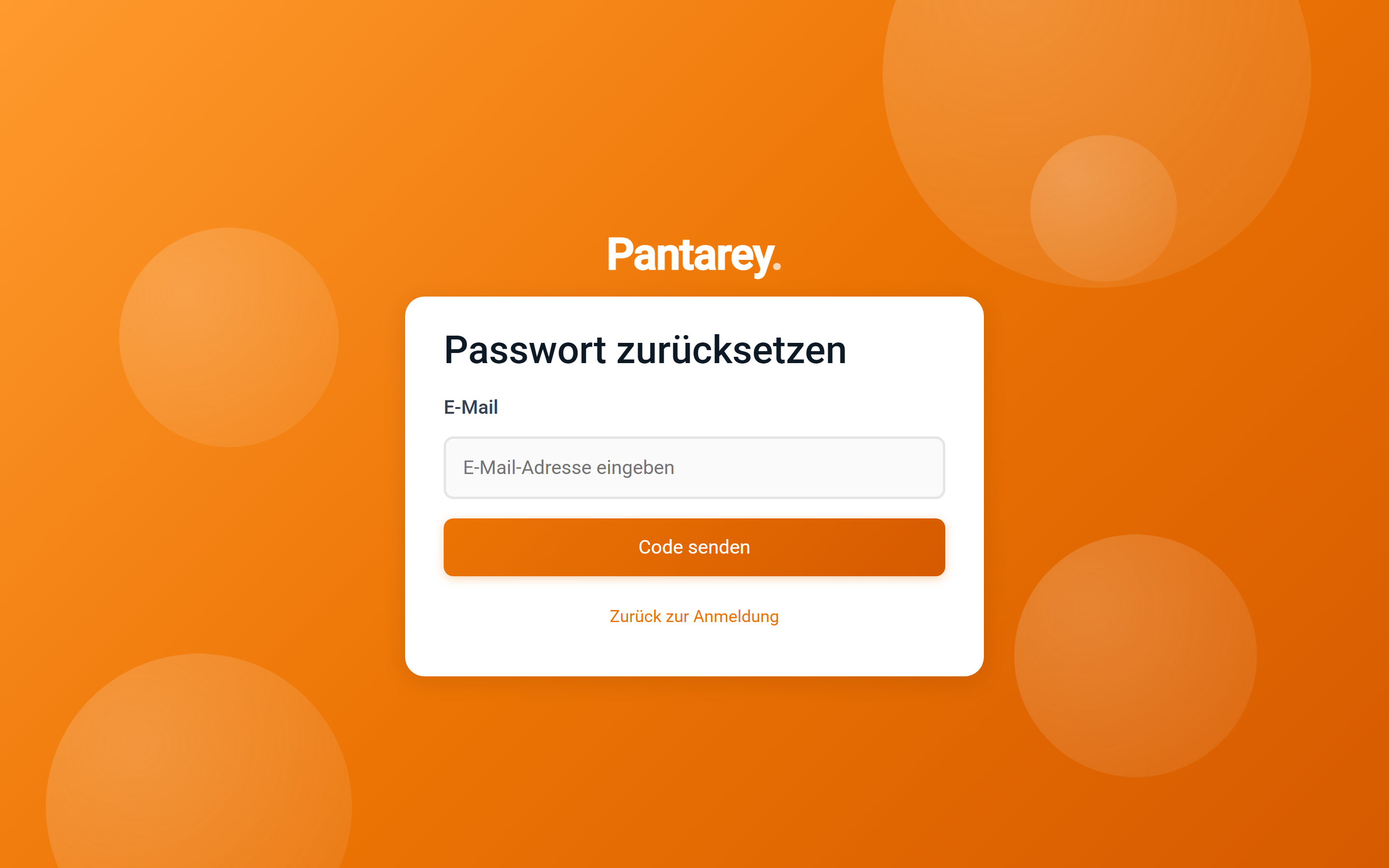
If no e-mail arrives, check the spam folder and the spelling of the address. After too many attempts, Pantarey blocks the function for a short time (“Too many attempts. Please try again later.”). If that does not help, an administrator resets the password under Users → Manage users → Reset password; the person then receives a temporary password again.
Signing out
The icon at the very bottom of the left bar signs out. On a shared device this is the right way to finish; on your own computer or smartphone the sign-in can stay.
Frequently asked questions
“Incorrect email or password.” although both are right.
Check the address of the account: every Pantarey account has its own address, and the user account is valid only there. If the problem persists, set a new password via Forgot your password?.
Can the same person sign in to several accounts?
Yes, with the same e-mail address and a separate password per account. Each account runs under its own address; several can be used at the same time in different browser tabs.
Is there sign-in with the company account (single sign-on)?
Sign-in is with e-mail and password. For connecting a company directory, Pantarey support can help.
Does Pantarey also work as an app?
Yes, installed from the browser on Windows, Android and iOS, see Pantarey as an app. The sign-in is the same.
Next step
Starting processes: After signing in, the Overview opens with the card “What would you like to do?”.