Forms
For every data schema, Pantarey generates a form from its attributes. It appears in the Database, as a start form and in user tasks of processes, and in the dashboard widget Create data object. Whoever needs more writes a custom form in the same format in the Process Designer and uses additional fields there, such as values loaded from SQL or a working-day count.
Forms tab
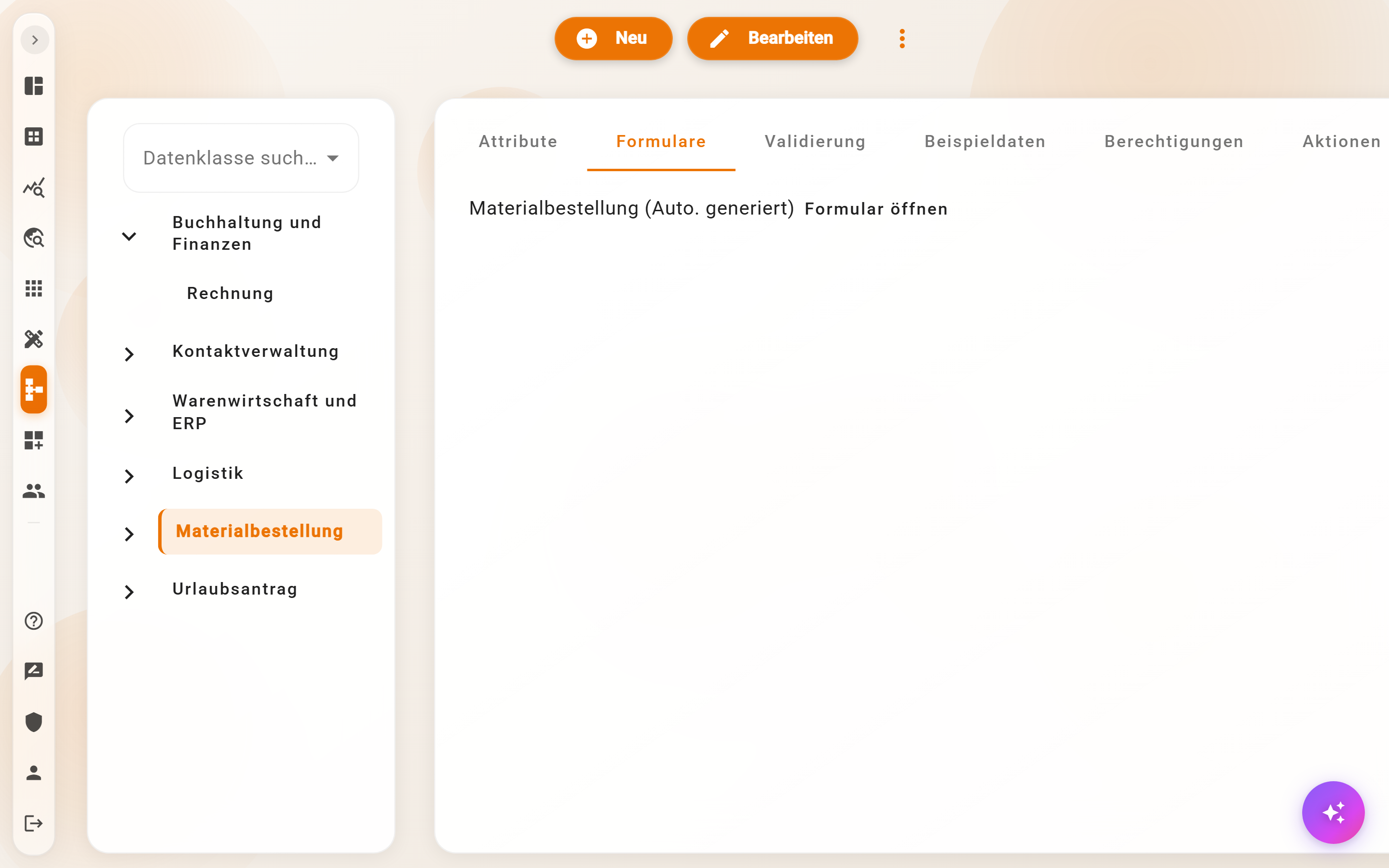
The tab lists the forms of the schema, usually exactly one: "‹Name› (Auto-generated)". Open form shows the definition as JSON, read-only, in the "Export form" dialog. From there it is copied to turn it into a custom form in the Process Designer. The automatic form is regenerated on every attribute change and cannot be edited directly; order, required state, default values and conditions come from the attributes.
What the automatic form contains
- a heading with the name of the schema,
- one field per attribute in the order of the attribute list; hidden attributes are omitted, objects become indented blocks, lists get "Add ‹Name›",
- required state, e-mail format, default value, value list, computed fields and conditions from the attribute,
- the validation rules of the schema,
- reference fields only if the person is allowed to read the target schema; otherwise it reads "Your permissions do not allow access to this field."
Sample data
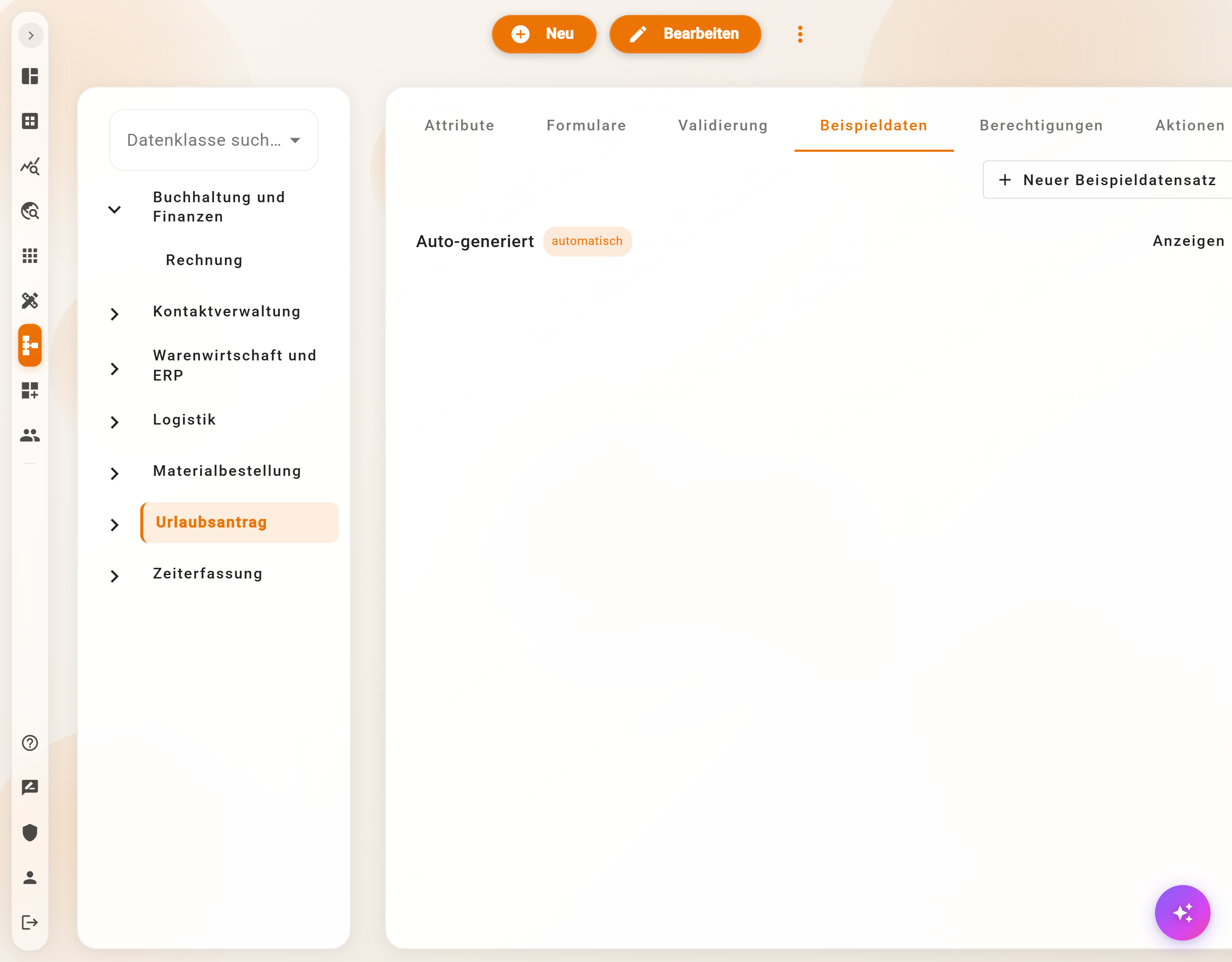
The Sample data tab holds sample records for the schema. Auto-generated (badge automatic) is created from the example values of the attributes and is renewed on every schema change; it is read-only. New sample record creates custom cases, with Label ("Standard case", "Special case A"), Description and the record as JSON; Show opens them again. The document name builder shows its preview with this data, and it serves as documentation of what a typical record contains.
Custom forms
In the Process Designer, a user task or a start event selects under Form either an automatic form, extends it with further fields under Form (extended), or replaces it entirely with Custom; Open form designer edits the definition with live preview and AI help, see Link with processes & forms. The definition is a JSON array of fields with key, type and props:
[
  { "key": "projekt", "type": "searchReference", "props": { "label": "Projekt", "dataSchema": "documents/projekte", "required": true } },
  { "key": "von", "type": "dateInput", "props": { "label": "Von", "required": true }, "defaultValue": "today" },
  { "key": "bis", "type": "dateInput", "props": { "label": "Bis", "required": true, "minKey": "von", "followMin": true } },
  { "key": "tage", "type": "workday-count", "props": { "label": "Arbeitstage", "fromKey": "von", "toKey": "bis" } }
]
Standard fields
type |
Field | Important props |
|---|---|---|
input |
text, number, e-mail | type text/number/email/password |
textarea |
multi-line text | rows |
select, radio, multicheckbox |
selection | options as a list of value/label, multiple |
checkbox, toggle |
Yes / No | |
dateInput, dateTimeInput |
date, timestamp | min, max (2026-01-01 or today+7), minKey, maxKey (another field on the same level), followMin (field moves along when the minimum lies after it); defaultValue today, today±N, now |
numericInput |
number | subType integer/number; number fields from input type number become this automatically |
user-select, user-group-select |
person, group | |
template |
fixed HTML text, such as an explanation | template |
repeat |
list of fields | fieldArray, addText, x_inverseArrayOrder |
fieldGroup with wrapper panel |
indented block | fieldGroup |
References and data
type |
Field | Important props |
|---|---|---|
searchReference |
reference with search, up to 25 hits | dataSchema (required), referenceSort, allowNew, allowOpen |
searchReferenceSql |
reference whose selection is filtered by an SQL query | sql with the columns id, data_schema_id, document_name, search_string; see SQL-filtered reference field |
sql-values |
Load values, see below | sqlQuery, rows, maxRows |
workday-count |
Working days, see below | fromKey, toKey, … |
table |
result of an SQL query as a table with filter and export to CSV, Excel, JSON | sqlQuery with {{param}}, parameter, label, excludeMetadata, excludeActions |
single-value-card |
one key figure from the first row of a query | sqlQuery |
funnel |
funnel from counting steps | steps, result |
subForm, parentForm |
create or select a record of a child or parent schema | dataSchema, parentDataSchema |
Files
type |
Field | Important props |
|---|---|---|
file |
file | mimeType, multiple |
pdf |
PDF with "View & download PDF" | allowRemove, multiple |
image |
image with preview | multiple |
dropzone |
drop area for dragging | acceptPreset, dropzoneTitle, dropzoneSubtitle |
What a process does with uploaded files is described under Build processes.
Load values
The sql-values field is invisible and fetches values via SQL when the form is opened, with the permissions of the person filling in the form. Placeholders: @currentUserEmail, @currentUserSub, @currentDate, @currentYear. The key is only the name of the loaded values and is not saved along; other fields read them under loaded.<key>.
{ "key": "me", "type": "sql-values",
  "props": { "sqlQuery": "SELECT resturlaub, abteilung FROM mitarbeiter WHERE email = @currentUserEmail", "rows": "first" } }
rows first returns the first row as an object (loaded.me.resturlaub), all a list up to maxRows (default 500). If the query finds nothing or fails, loaded.me is empty; the form remains usable. In the form designer, the field appears as a chip "Loads values: me" with "1 row loaded" or "no row found". The values are used in conditions (loaded.me.resturlaub < model.tage), in the Working days field and in custom process steps.
Working days
The workday-count field shows the working days between two date fields according to the account's work calendar, including the days off, and recalculates on every change.
props |
Meaning |
|---|---|
fromKey, toKey |
required: the date fields |
halfStartKey, halfEndKey |
Yes/No fields for half days at the start and end |
workdaysKey or workdays |
working days of the week from a field or fixed, such as ["Mo","Di","Mi","Do","Fr"] |
remainingKey |
field or loaded value with the available remainder; shows "… remain available afterwards." or "Exceeds the available days by …." |
remainingByYearKey |
remainder per year as an object {"2026": 9, "2027": 30}, for periods spanning the turn of the year |
showFreeDays |
list the days off (default on) |
label, unit, unitOne, description |
labels |
Paths point to a field on the same level, to the whole record or to loaded.…. With a key, the number lands in the record as a suggestion; the process recalculates it itself with $fn('date_workdays', von, bis).
Example
The start form "Urlaub beantragen" (request leave) of Musterfirma loads the person's remaining leave with
sql-values, shows the requested working days together with the remainder withworkday-count, and makes the remark required via a condition if the remainder is not sufficient. All without a custom process step; the process receives the completed request.
Frequently asked questions
Can the automatic form be reordered or renamed?
Only via the attributes: order by dragging, label via the display name. For everything else, create a custom form in the Process Designer.
A reference field shows "Your permissions do not allow access to this field."
The person lacks the Read permission in the target schema. See Permissions & actions.
Load values returns nothing.
The query runs with the person's permissions: they need Query on the schema, and the condition must match their records. Test the query with the same person in Data analytics.
Next step
Inheritance and hierarchies: maintain shared fields once, contact for person and organization.