Quick Start: the Own Process in Minutes
This quick start shows how to import, adjust, and run a ready-made process with Pantarey in just a few steps.
ℹ️ Note: In this section a complete process template is imported a complete process template, adapt it, and execute it. No custom modeling is required – this allows trying Pantarey immediately.
Goal
At the end of this quick start, a working vacation request process will be set up. It enables submitting a request and having it approved.
Prerequisites
- Access to the Pantarey environment (
[YourCompany].pantarey.io). - A user account with sufficient permissions.
Step-by-step guide
1. Sign in
- Open the Pantarey environment in the browser (
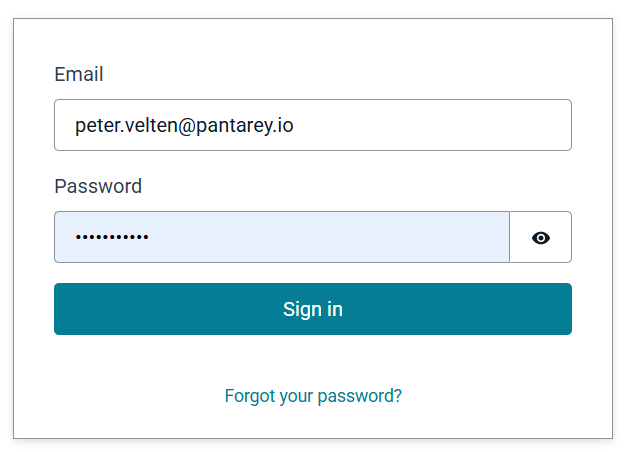
[YourCompany].pantarey.io). - Sign in with the username and password.
ℹ️ Note: Depending on permissions, not all functions may be visible. If the areas Process Designer, Process Monitor, Templates, or Overview are missing, the administrator can be contacted.
2. Select the quick start template
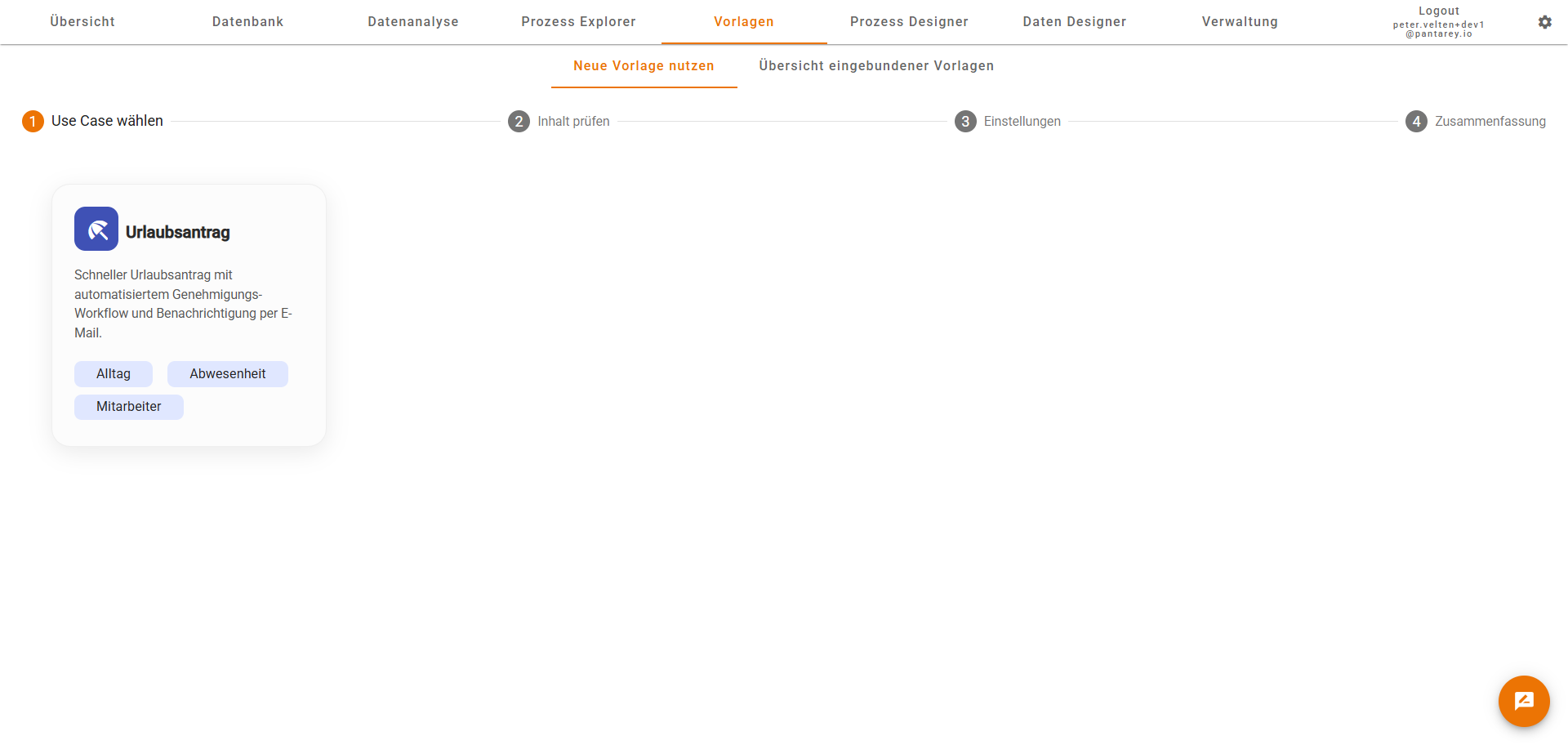
- In the menu, open the Templates section.
- Select the “Vacation request” template.
- Start the guided wizard and provide the required details:
- Select a group responsible for approvals.
ℹ️ Note: The import automatically creates all required processes and data models.
3. Open the process in the designer
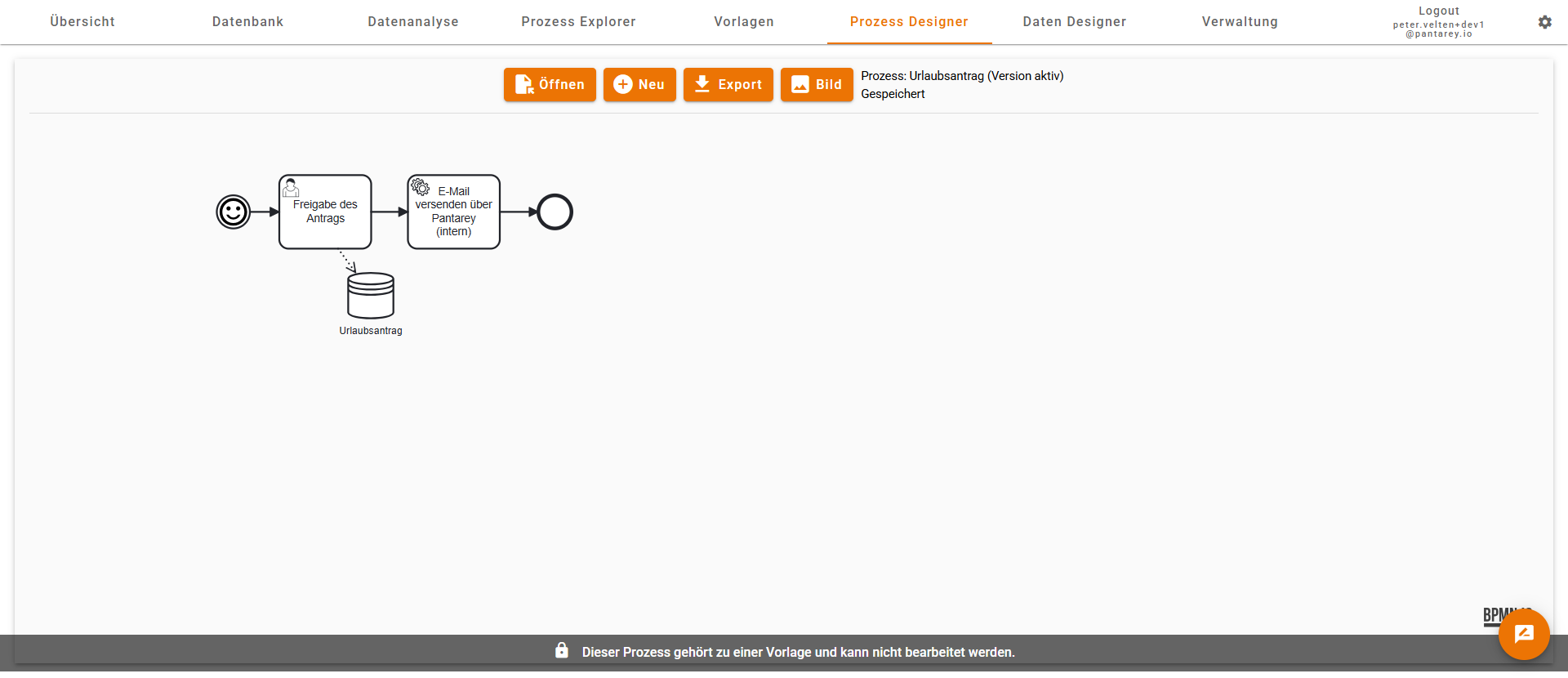
- After a successful import the process is available in the Process Designer.
- Select the process there.
- The process cannot be edited because it is part of a template.
- Through the template the process is already deployed and ready to use.
4. Test the process: Submit a vacation request
- In the menu, open the Overview.
- Select the new “Submit vacation request” process.
- Fill out the form and submit the request.
5. Wait for approval
- The group selected in the quick start automatically receives a user task to approve the request.
- The process guides through the required steps.
6. Review the results
- In the Database section, review the stored vacation requests.
- In the Process Monitor, verify that the process completed successfully.
Summary
With just a few clicks, a complete vacation request process was configured – from the request form through approval to data storage. Pantarey automatically creates all required structures so the process can be used immediately.
Troubleshooting
If issues are encountered during the quick start or certain functions cannot be accessed, the administrator or the Pantarey support can be contacted.